
Plans & Billing
The Plans & Billing page is where you manage your subscription, review usage charges, and update your payment method. This page is only accessible to the team admin or primary account owner. You can reach it from the Hyper dashboard on the Plans & Billing page.
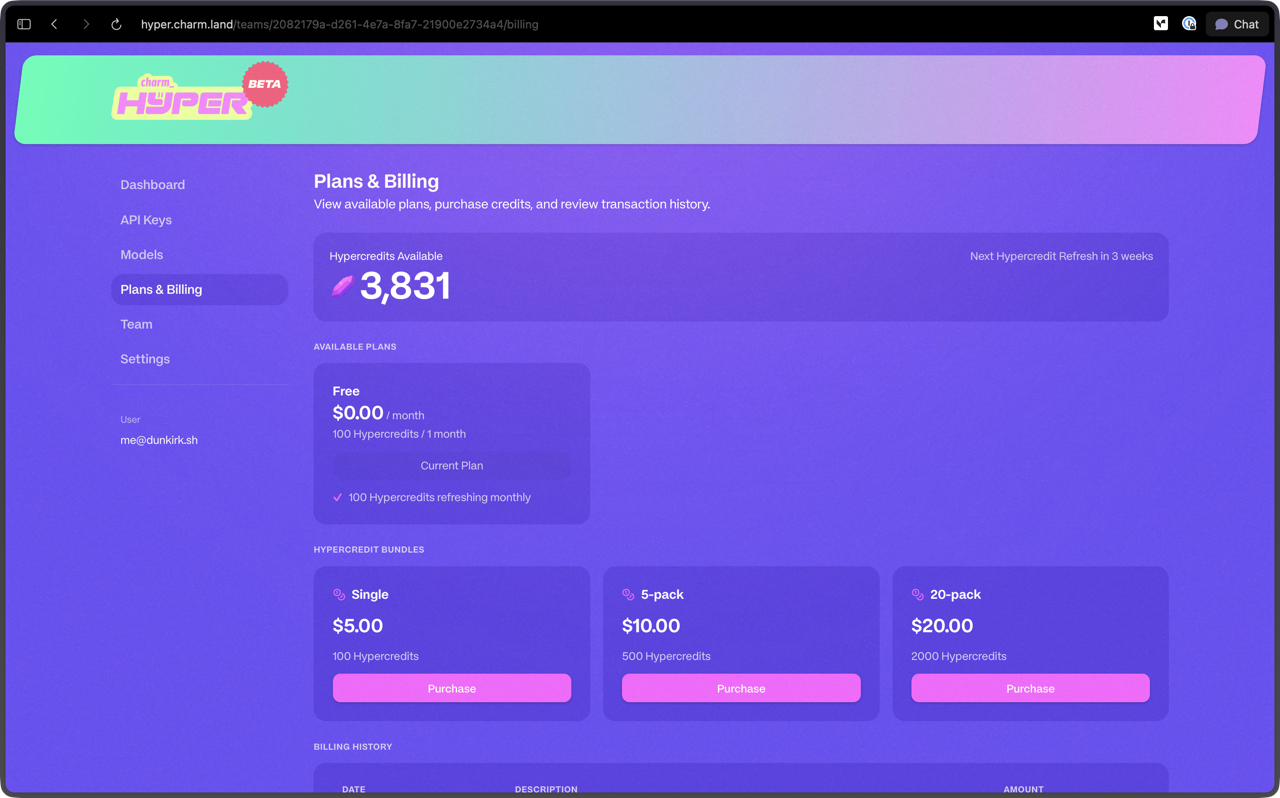
Hypercredits Available and Refresh
The top section displays your current hypercredit balance and when your next refresh occurs. Every plan includes a recurring hypercredit allocation that resets at the start of each billing cycle. The refresh cadence depends on your plan tier. See the Hyper FAQ for a full explanation of how hypercredits work.
Available Plans
Every new Hyper account starts on the free plan with 100 hypercredits that refresh monthly. This is the default plan for all users.
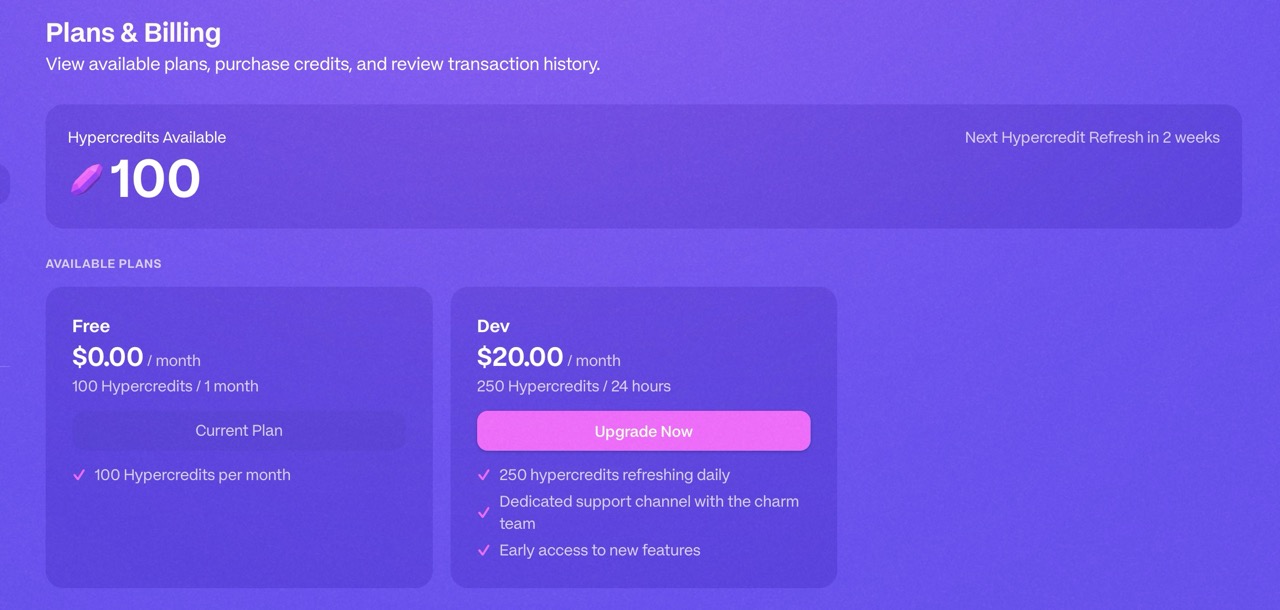
Paid plans offer higher monthly credit allocations and priority access to models. Your current plan is highlighted in the plan selector so you can see at a glance which tier you are on.
Upgrading
When you upgrade to a paid plan, your new hypercredit allocation takes effect immediately. You gain access to the higher credit limit and any additional features included in the new tier right away. Your billing cycle adjusts to reflect the new plan price from the date of upgrade.
Downgrading
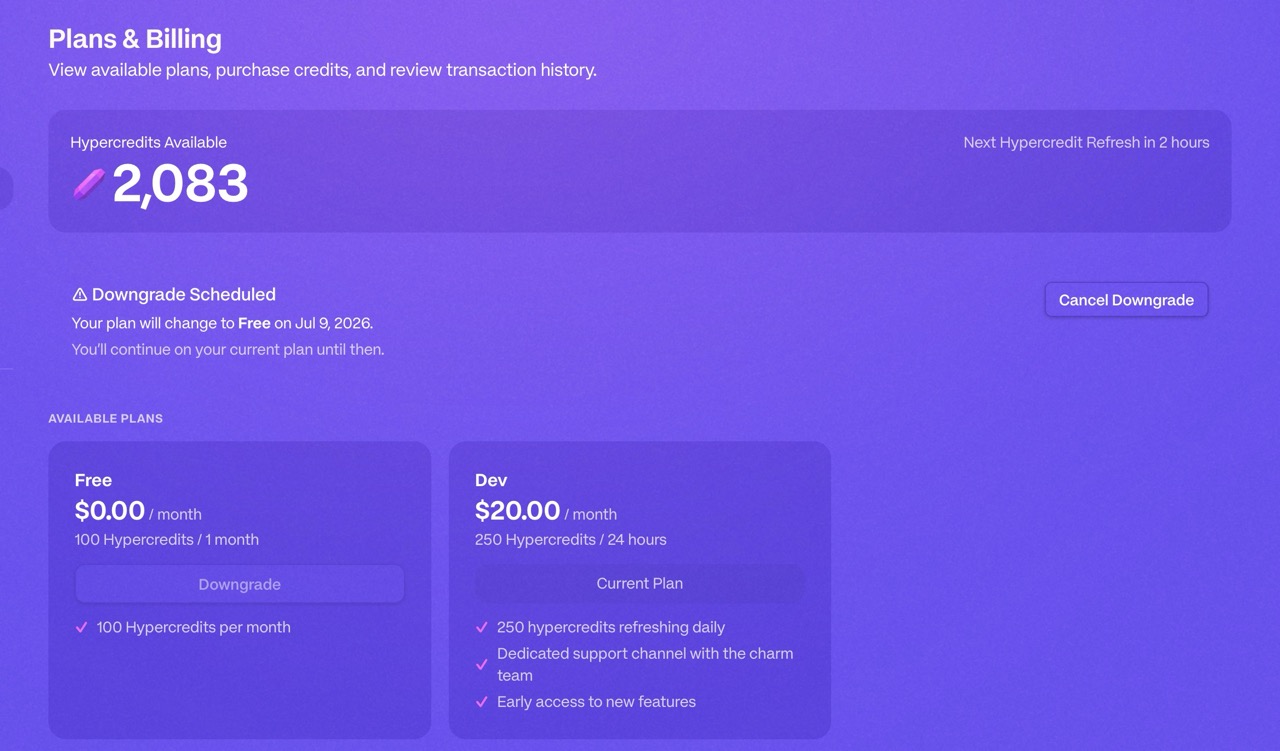
When you downgrade your plan, the change takes effect at the start of your next billing cycle. You retain access to your current plan's features and credits until the cycle ends. Any unused hypercredits from your current plan do not carry over to the lower tier.
Hypercredit Bundles
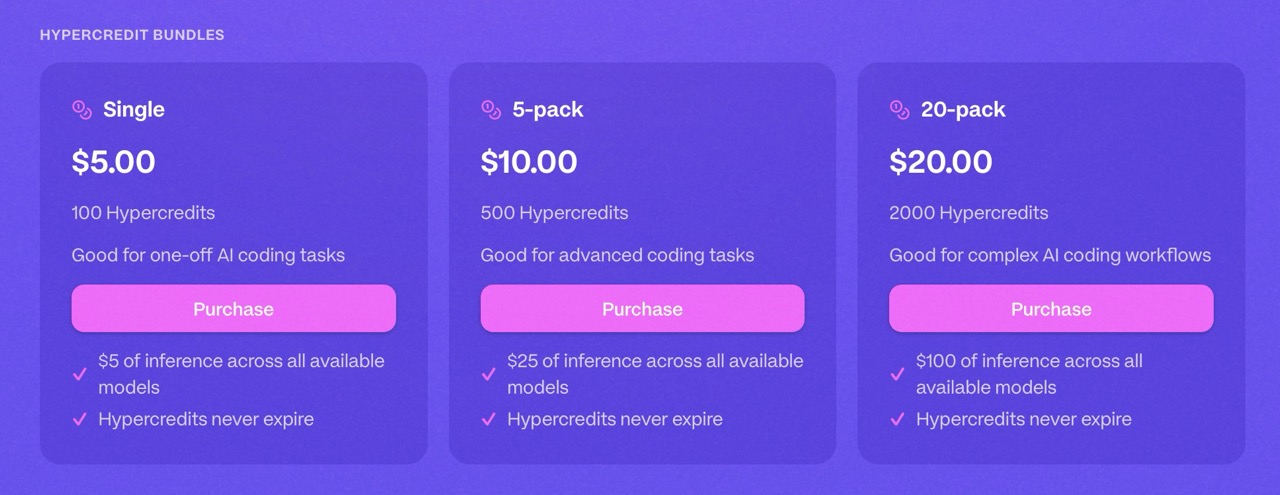
If you need credits beyond your monthly allocation without upgrading your plan, you can purchase pay-as-you-go hypercredit bundles. These are one-time purchases that do not expire and stack on top of your plan balance. Bundles are available in several sizes to fit different usage patterns.
Billing History
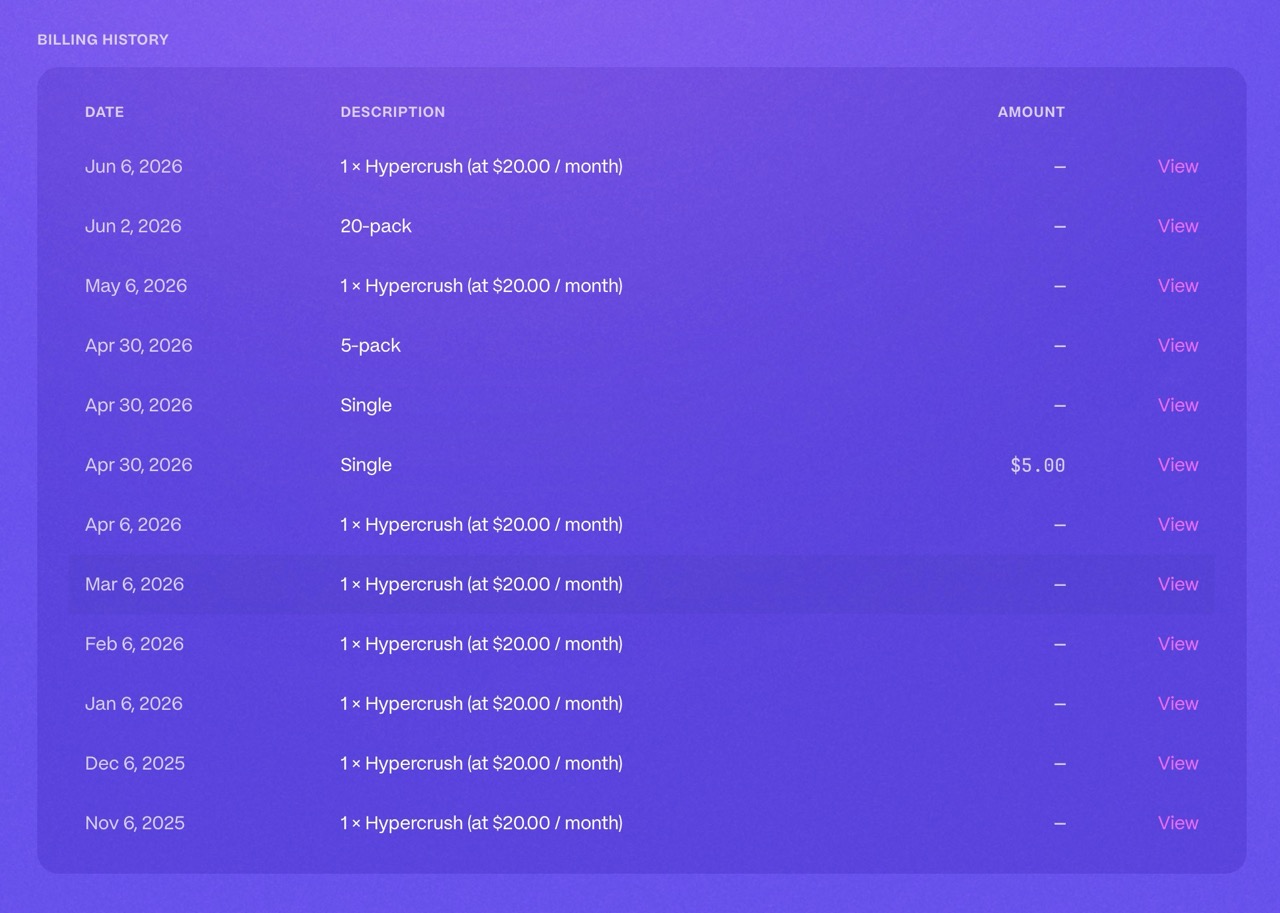
The billing history section lists all transactions associated with your account. Each entry shows the date, description, and amount charged. This includes:
- Recurring subscription charges for paid plans
- One-time hypercredit bundle purchases
- Failed recurring payments in the context of a paid subscription
TIP
Failed payment attempts appear in your billing history so you can track and resolve any issues with your payment method. If a recurring payment fails, update your payment information promptly to avoid service interruption.
Billing is powered by Stripe, so your payment information is handled securely through their platform.