
Dashboard
The Dashboard is your home base in Hyper. It shows your current plan, credit balance, and usage breakdown.
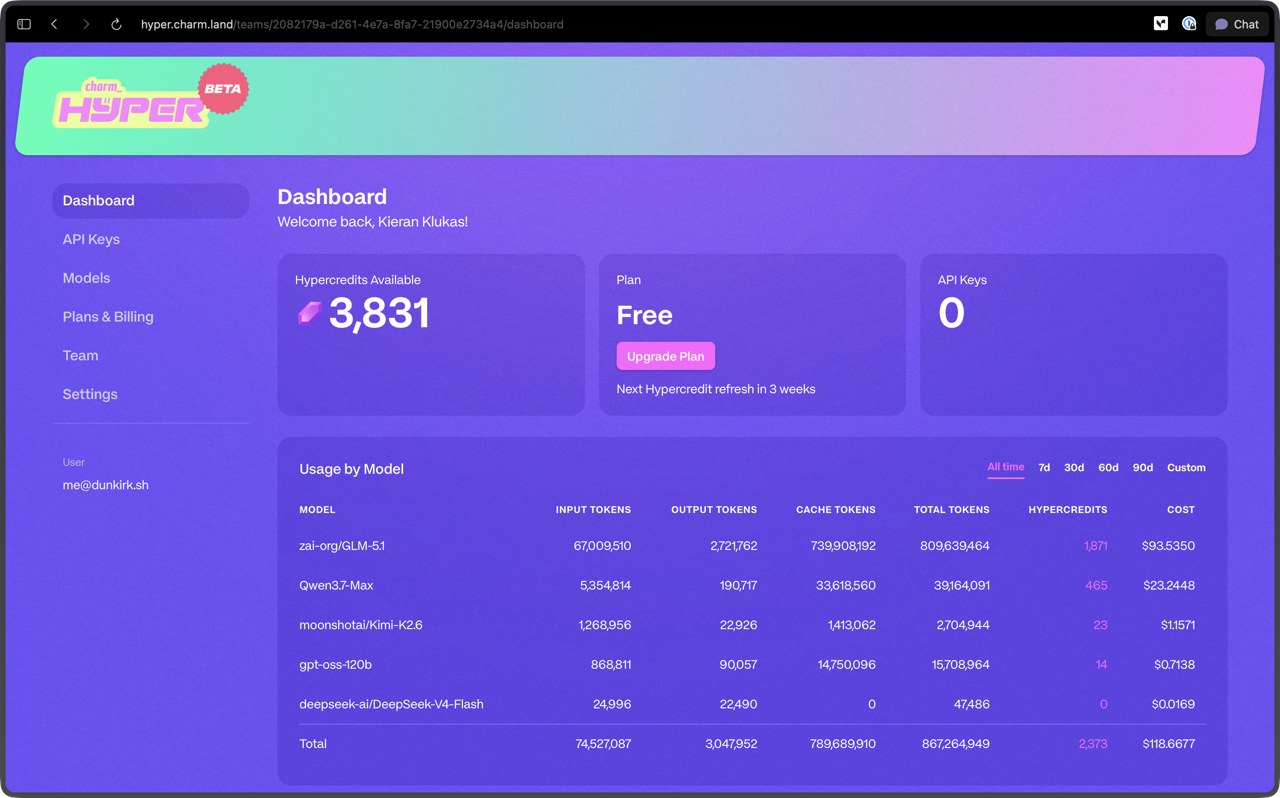
Hypercredits Available
The top card shows your current balance in hypercredits. By default every new user starts on the free plan with 100 hypercredits refreshing monthly. See the Hyper FAQ for a full explanation of how hypercredits work.
If you are on the free plan and need more credits, click Upgrade Plan to move to a paid tier. This button appears only on the free plan and takes you directly to the Plans & Billing page where you can select a paid plan. Paid plans refresh their hypercredit allocation at the start of each billing cycle according to the cadence of your chosen plan.
Plan
Your current plan is displayed alongside your hypercredit balance. If you are on the free plan, an Upgrade option is emphasized to make it easy to move to a paid tier with higher credit limits. Each plan has its own refresh cadence that determines when your monthly hypercredit allocation resets. See Plans & Billing for details on available plans and their refresh schedules.
API Keys
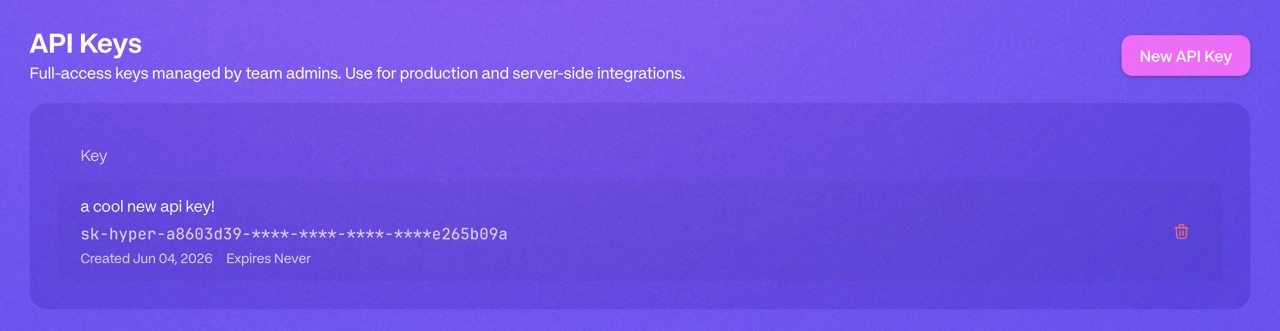
The API Keys section lets you create, view, and revoke API keys for your Hyper account. These keys authenticate your requests to the Hyper API from coding agents or custom integrations. Keep your keys secure and rotate them if you suspect they have been compromised.
Usage by Model
Below the balance card you will find a breakdown of your consumption over time. You can filter by period (all time, 7 days, 30 days, 60 days, 90 days, or a custom range).
The table shows:
- Total hypercredit and dollar consumption across all models
- Per-model breakdown of hypercredits and dollar consumption
This gives you visibility into which models are driving your spend and where your credits are going.