Themes
Crush ships with built-in color themes.
Switching Themes
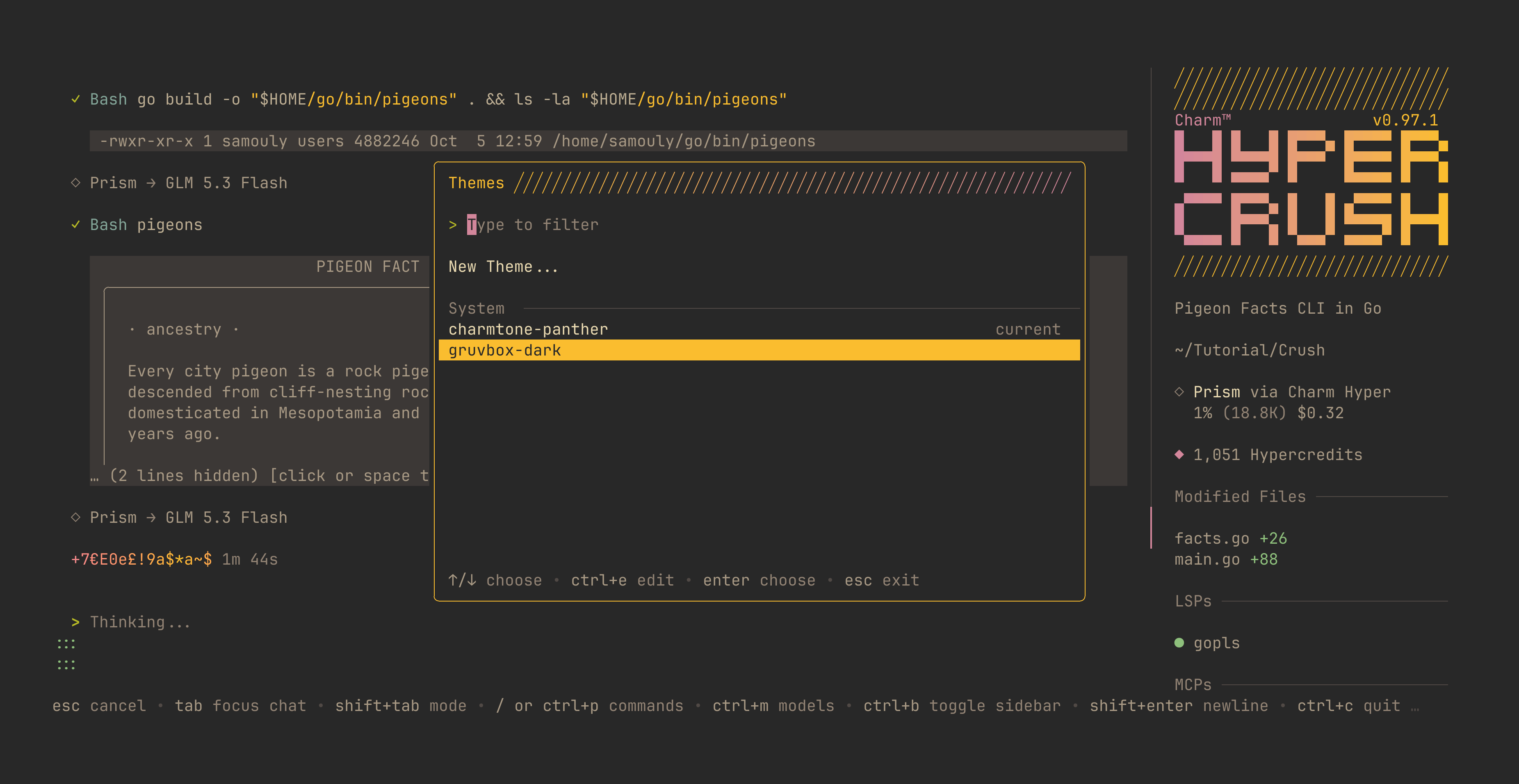
Open the command palette with ctrl+p, select Themes, and browse the list. The UI previews each theme as you navigate, and pressing enter confirms the selection. Press esc to cancel and revert.
Editing Themes
Open Themes, highlight the theme to customize, and press ctrl+e. Changes preview live as you type. Press enter or ctrl+s to save, or esc to cancel and revert. User themes are stored globally in the Crush config directory under themes/.
You can also select a theme directly in your config with active_theme:
{
    "$schema": "https://charm.land/crush.json",
    "options": {
        "tui": {
            "active_theme": "gruvbox-dark"
        }
    }
}
Custom Themes
Custom theme palettes are stored as JSON files in the global theme directory. For example, ~/.config/crush/themes/my-theme.json:
{
    "base": "gruvbox-dark",
    "primary": "#ff6b6b",
    "bg_base": "#1a1a2e"
}
And you can create a new theme directly from the Themes dialog too!
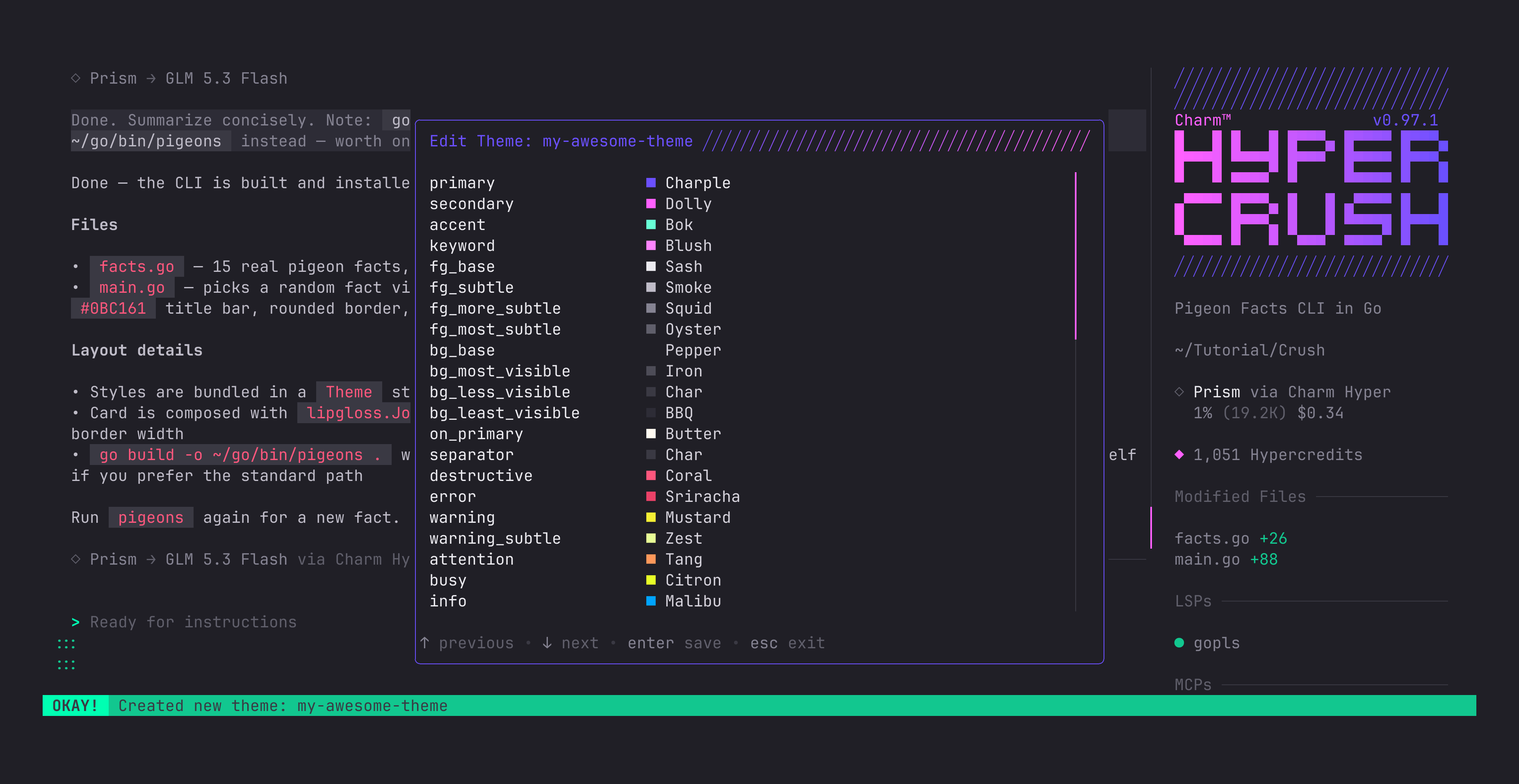
Select it by setting active_theme to my-theme or from the Themes dialog.
Built-In Themes
| Theme | Name |
|---|---|
| Charmtone Pantera | charmtone-panther (default) |
| Gruvbox Dark | gruvbox-dark |